Prompt versioning: stop editing in a CMS
A prompt is an interface. Treat it like code — versioned, eval-gated, with a rollback path — not a string anyone can edit live in a CMS with no review.
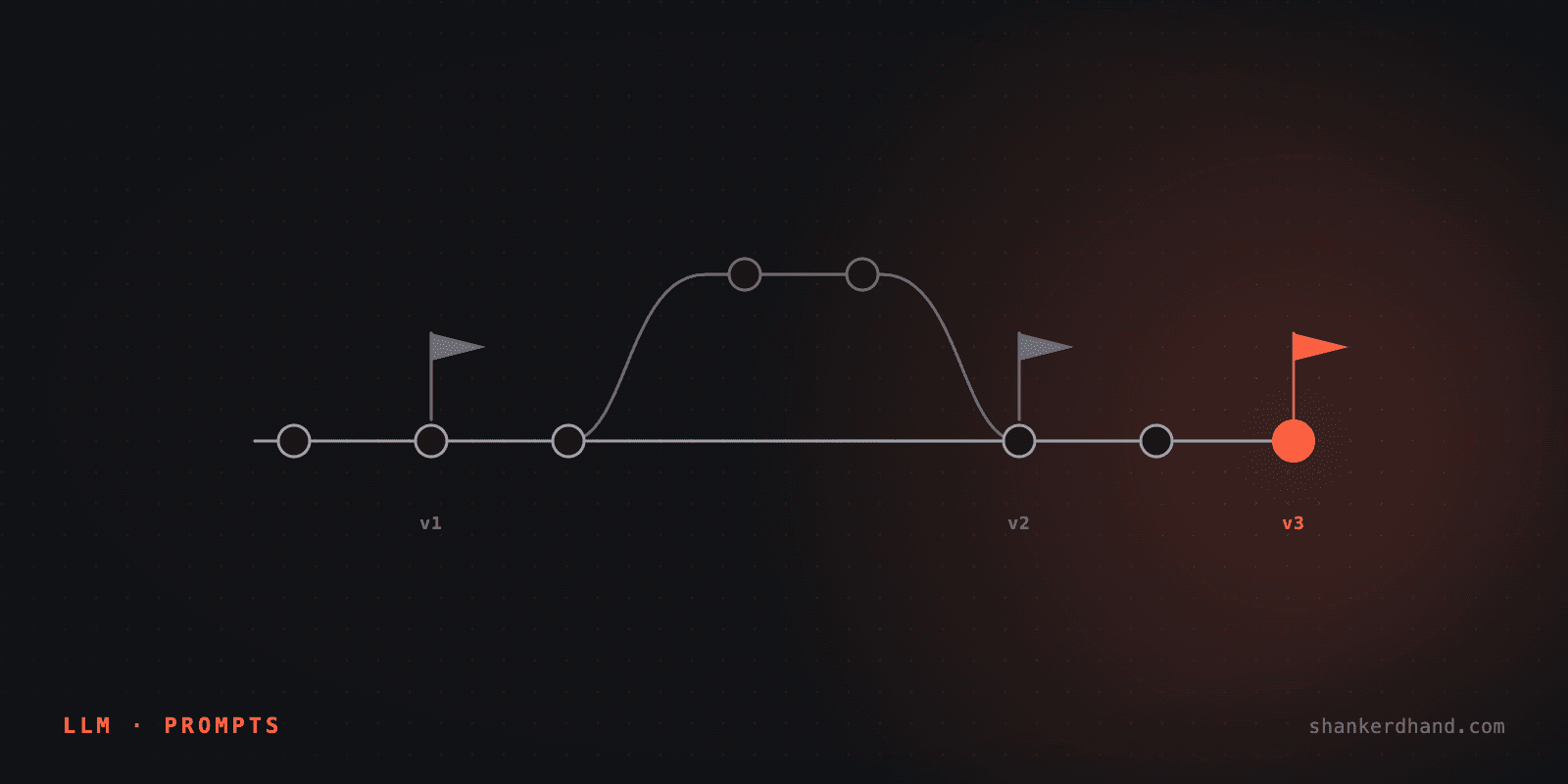
A prompt is an interface, and most teams don't treat it like one. It lives in a CMS field, an admin dashboard, or a Slack thread someone pastes into a config panel — editable by anyone, live, with no review and no way back if the edit is wrong.
Who this is for: an engineer whose prompt currently lives somewhere that isn't a pull request, and who's had at least one incident where nobody could say for certain what the prompt looked like when a bad response went out.
Why "just a string" is the wrong model
A hand-edited prompt in a live dashboard has three properties that make it dangerous, and none of them are about the prompt's content. It has no diff — you can't see what changed between yesterday's version and today's. It has no review — the person editing it is also the person shipping it. And it has no rollback — if the new version is worse, the fix is remembering what the old one said, not clicking a button.
None of that is about prompt engineering. It's about treating a production interface like it isn't one. The checklist item is one line — "prompt is versioned in code, not hand-edited in a UI somewhere" — and the reason it's a checklist item at all is that this is the default state most teams start in, not an edge case.
What "prompt as code" actually means
Concretely: the prompt text lives in the repo, as a file, under version control, changed through the same pull-request path as everything else. Not because git is magic, but because it buys three things a CMS field can't:
- A diff on every change.
git diffon a prompt file shows exactly what moved, word for word — which is the only way to answer "did the prompt change, or did the model?" when something regresses. - A review step that isn't optional. A PR needs an approval before it merges, which means the person who wrote a risky prompt change isn't the only person who saw it before it went live.
- A rollback that's one command.
git reverton a prompt file is the same operation as reverting any other regression — no reconstruction from memory, no "does anyone have last week's version saved somewhere."
The eval gate is what makes this safe to move fast
Version control alone gets you accountability, not safety — you can still merge a bad prompt, you'll just be able to see who did it. The gate that actually catches a regression before it ships is the eval harness running against every prompt change as a CI check, the same way a test suite gates a code change.
# .github/workflows/prompt-eval.yml
on:
  pull_request:
    paths: ["prompts/**"]
jobs:
  eval:
    steps:
      - run: npm run eval -- --against=main --gate=recall,faithfulness
The threshold is relative, not absolute — the change must not regress more than N individual queries against the version it's replacing, which is the same gating logic a production RAG system needs for any change, not just a prompt edit specifically.
Rollback is the feature, not the safety net
Every prompt merge gets a version identifier — the git SHA it landed at — and every logged decision records which version produced it. That's the same discipline an agent audit trail needs for a different reason: you can't answer "why did it do that" without knowing which prompt was live when it did it.
The payoff is that rollback becomes routine instead of an emergency procedure. A regression that ships gets caught, reverted, and redeployed the same way any bad code change does — minutes, not a scramble to remember what the prompt used to say.
What this costs
A prompt change that used to take thirty seconds in a dashboard now takes a PR, a review, and a CI run. That's real friction, and it's supposed to be — the thirty-second version is exactly what let an unreviewed change reach production with nobody else seeing it first.
The trade is the same one code review always makes: slower per-change, and the class of incident that a live-edited prompt produces stops happening. For a prompt shipped to real users, that trade is worth making the same way it's worth making for the rest of the codebase.
If your prompts are still living somewhere that isn't version control, that's usually one of the first things worth fixing.