React Native 0.87: what the upgrade costs
0.87 makes strict TypeScript types the default. But the headline feature is not what decides the upgrade — the removals and the toolchain bumps are.
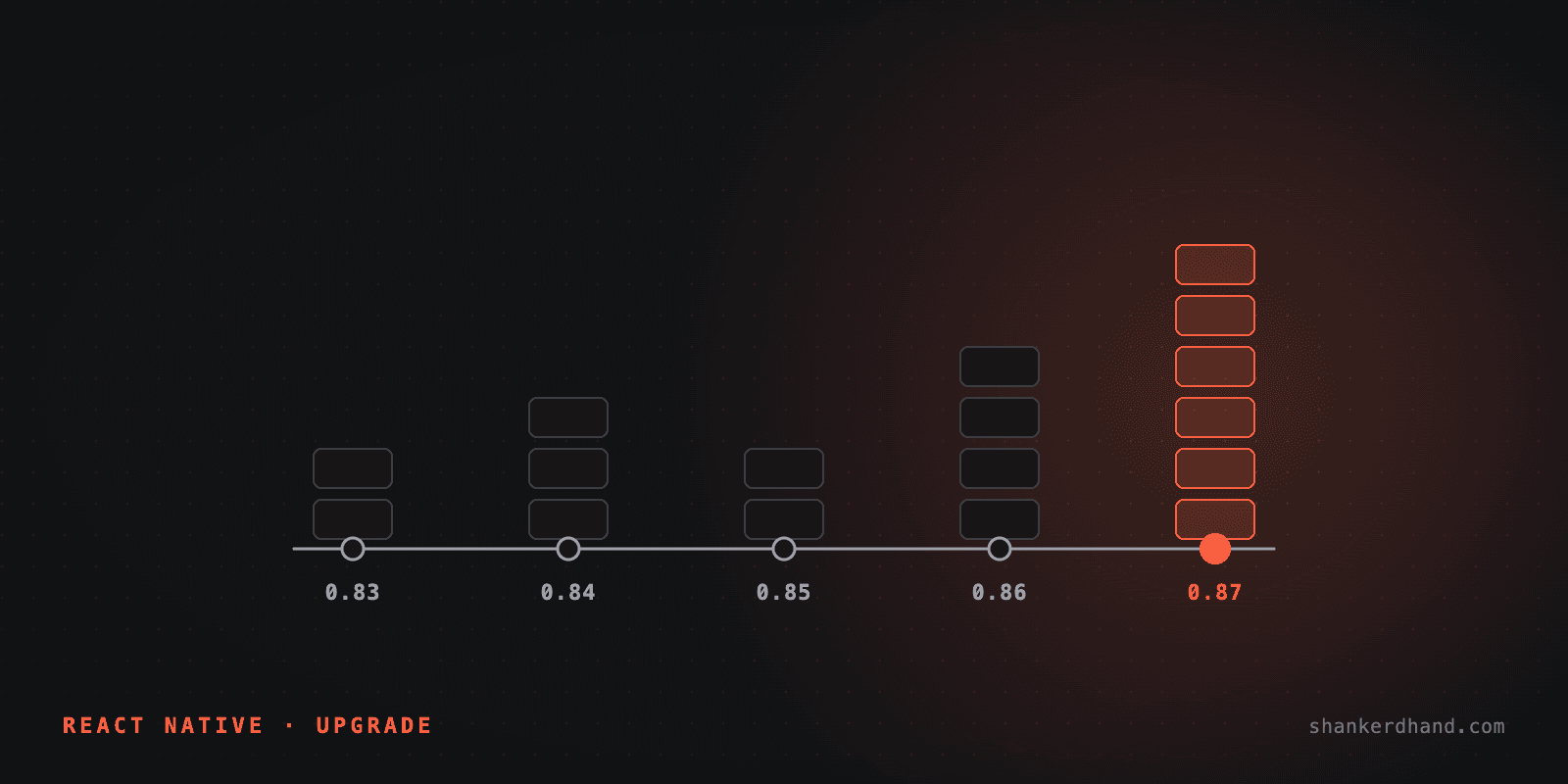
React Native 0.87 landed on 11 August 2026 — 265 commits from 74 contributors. The release notes lead with strict TypeScript types, faster source maps, and experimental Swift Package Manager support. All useful. None of it is what decides whether you upgrade.
Who this is for: anyone maintaining a React Native app that real people use, deciding whether 0.87 belongs in this quarter's plan or next year's.
What you get
Three things worth knowing, in plain terms.
Types that match the code. React Native's TypeScript definitions used to be written by hand, separately from the library itself, so the two slowly drifted apart — the types would say one thing and the code would do another. In 0.87 the types are generated from the source, and this "strict" API is now the default rather than something you opt into. Refs get real types too, like ViewInstance and TextInputInstance, instead of vague ones.
A faster development loop. Metro, the bundler that builds your JavaScript while you work, jumps from 0.84 to 0.87. Source maps — the files that let a crash point back to your original code rather than the bundled output — are generated twice as fast and use half the memory.
A glimpse of iOS builds without CocoaPods. There's experimental support for Swift Package Manager, Apple's own dependency tool. It needs only Xcode, with no Ruby or CocoaPods in the chain. It is opt-in, CocoaPods stays the default and supported path, and the team says plainly it is not production-ready.
What it costs
This is the part that decides your timing.
The toolchain moves first. 0.87 requires Node 22.13 or newer, Kotlin 2.0 or newer, and Android compileSdk 37. It is also the first release that supports Android Gradle Plugin 9. Before a single line of your app changes, your CI images, local setup instructions, and anyone else's pipeline that builds this app have to move with it. In my experience that, not the code, is what turns a one-day upgrade into a two-week one.
APIs are gone, not deprecated. InteractionManager is removed — you use requestIdleCallback instead. Modal loses its animated prop. StatusBar loses backgroundColor, translucent, and networkActivityIndicatorVisible. ScrollView no longer accepts a plain true/false for keyboardShouldPersistTaps. The NativeMethods types are replaced by HostInstance. ImageBackground is deprecated in favour of a View with a positioned Image.
Deep imports break. If any code reaches inside react-native/Libraries/... — yours, or a third-party library you depend on — those are now type errors. You can opt out through 0.88 with a tsconfig.json setting, which buys you one version of breathing room, not a permanent escape.
Before estimating this upgrade, grep for those names across your app and your dependencies. The number you get back is the real size of the job.
Nothing here forces you
This is the difference between this upgrade and the Next.js one I stopped deferring. That one stopped being a choice when security advisories landed: the decision was made for me, and all my careful sequencing became irrelevant.
There is no equivalent here. No advisory, no deadline. Which means you choose the trigger, and the honest triggers are these:
- Your types keep lying to you. If your team regularly hits cases where the TypeScript definitions disagree with runtime behaviour, this release is aimed directly at that.
- You are about to fall behind by three versions. Upgrade cost does not grow linearly. Three skipped versions means three sets of removed APIs arriving at once, and a Node and Gradle jump large enough that nobody can estimate it honestly.
- Your iOS build pipeline is fragile. Not a reason to adopt SwiftPM today, but a reason to read that section and know where this is going.
If none of those is true, "not this quarter" is a defensible answer. Say it out loud and write down when you will revisit, because the platform moves on its own schedule and an unowned decision becomes an emergency later.
What I would do first
Upgrade a branch, not the app. Bump the toolchain in CI and see what breaks there before anyone touches product code — toolchain failures are noisy, fast to surface, and tell you most of what the estimate needs.
Then take the strict types, because that is the change with a lasting payoff, and leave Swift Package Manager alone until it stops being labelled experimental.
What I deliberately leave out
No benchmark numbers here. Metro's "twice as fast, half the memory" figures come from the React Native team, not from me running 0.87 against an app I maintain. When I have done that upgrade on a real codebase, the before-and-after is worth its own post — and that one will have numbers I measured.
If you are carrying a React Native app and wondering whether it is one upgrade or three, that is the kind of work I do.